
Quality evidence, captured on the job.
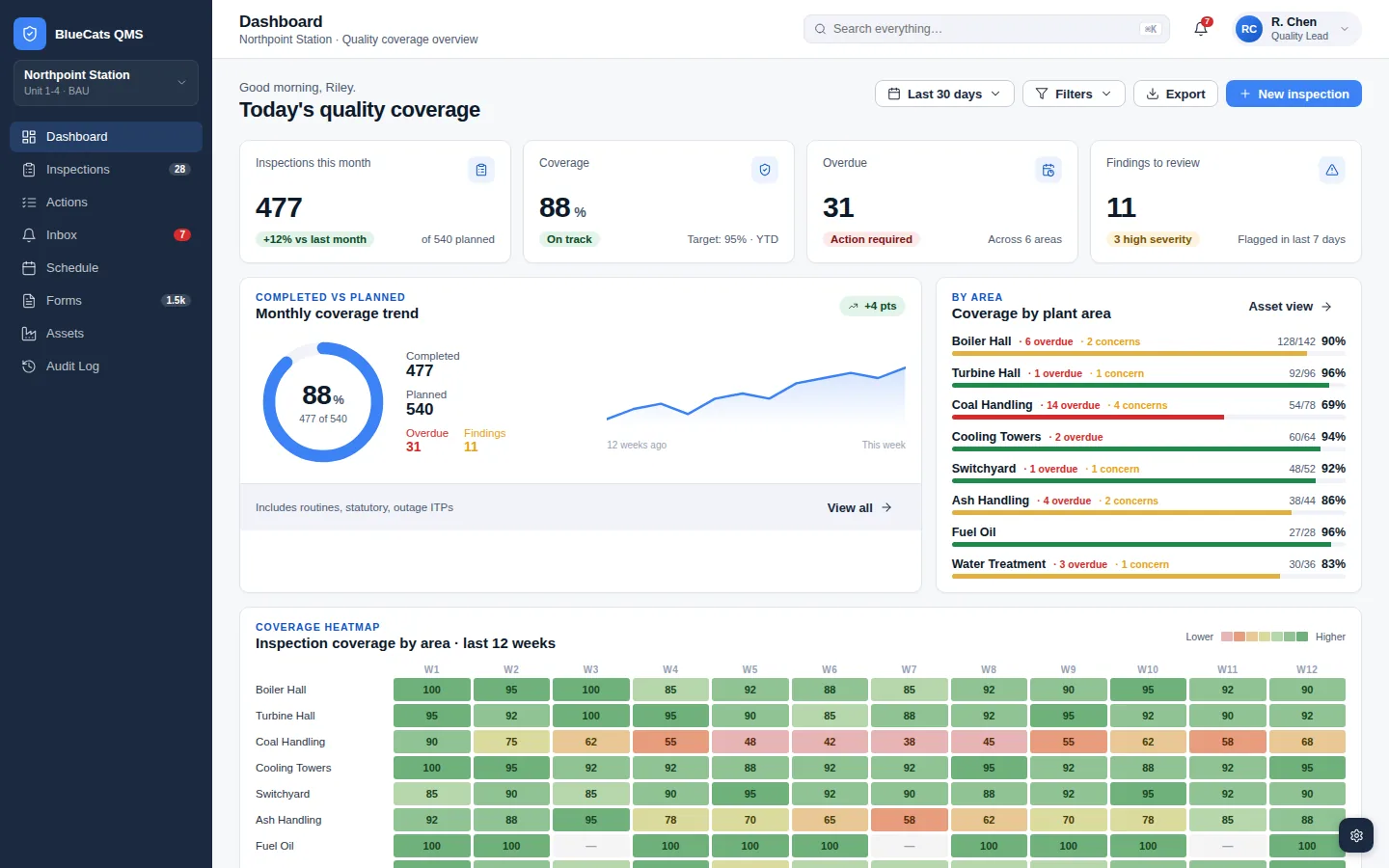
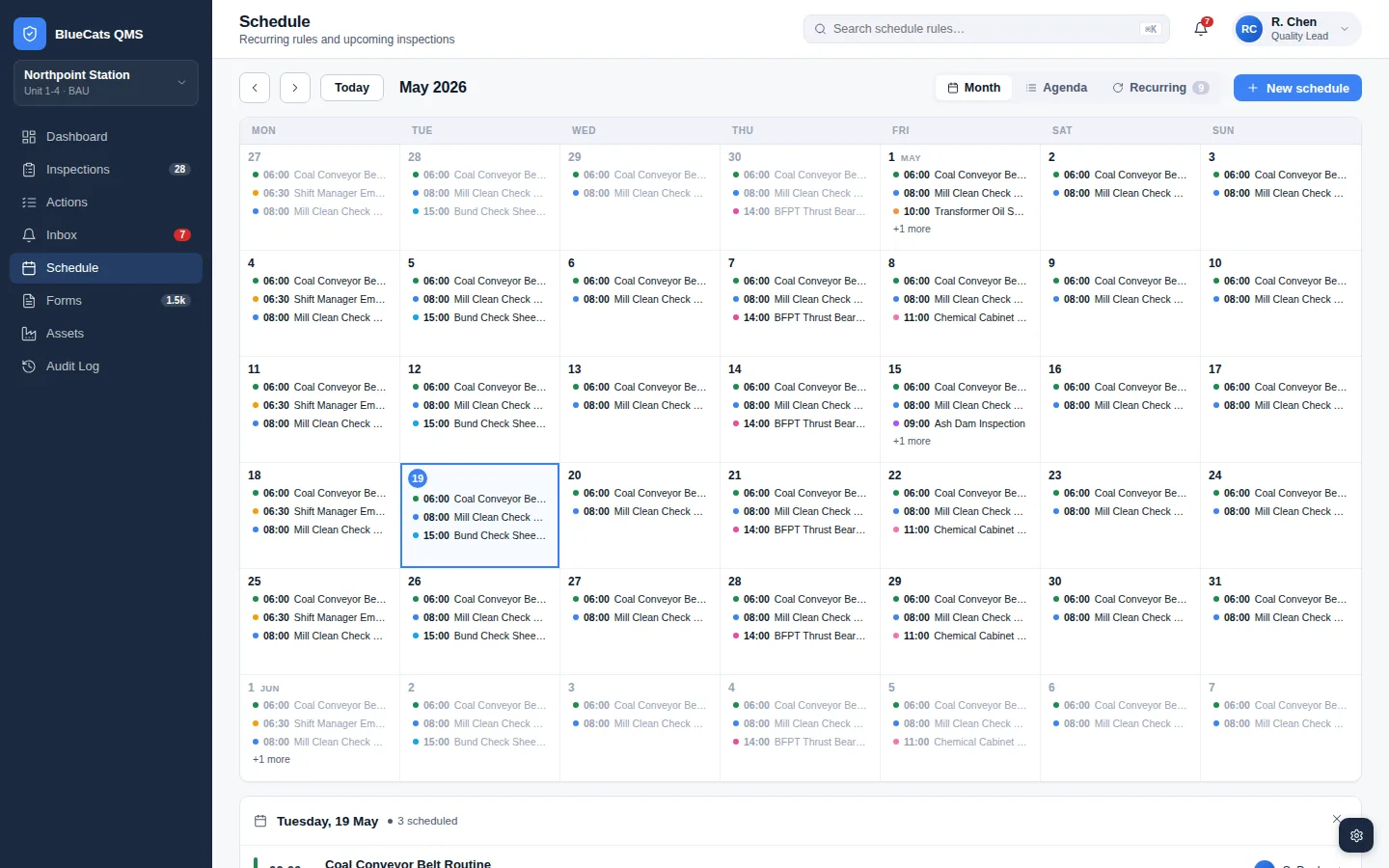
Know the true status of every scheduled inspection or audit. Drill down from the site summary to an individual asset.
Questions we hear most.
Q1Does QMS need a cloud connection?
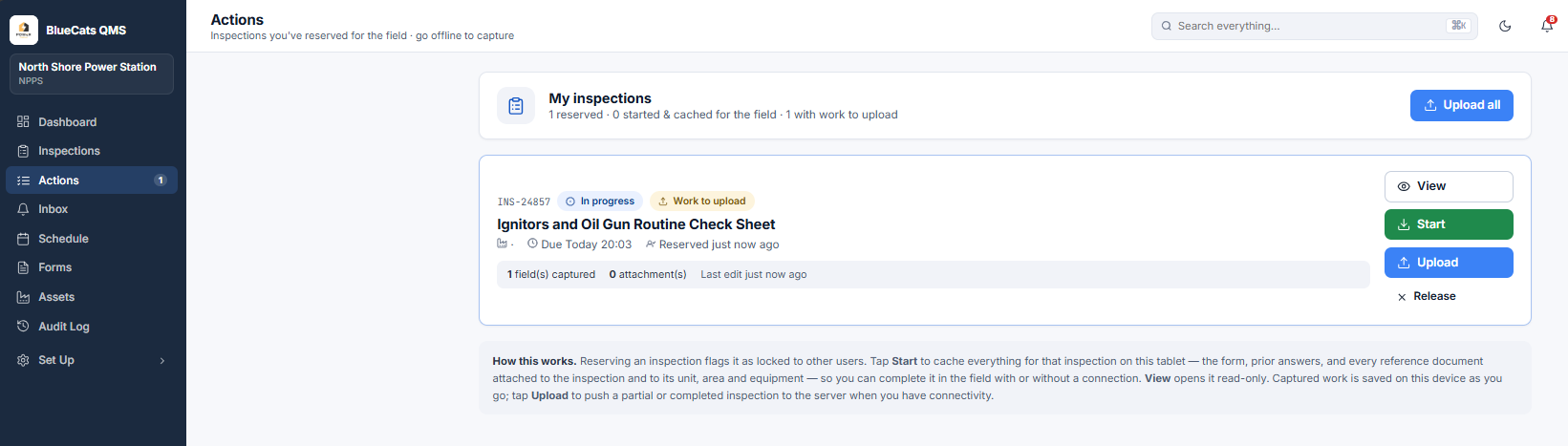
Yes. QMS is a cloud hosted solution and requires connection to access. Inspections are cached to a tablet and captured offline however a connection to QMS is needed prior and post that activity.
Q2What devices can crews use?
QMS is browser-based and can run on any device that has internet access and a web browser. No app to install, no per-device licensing.
Q3Can I upload my existing paper checklists?
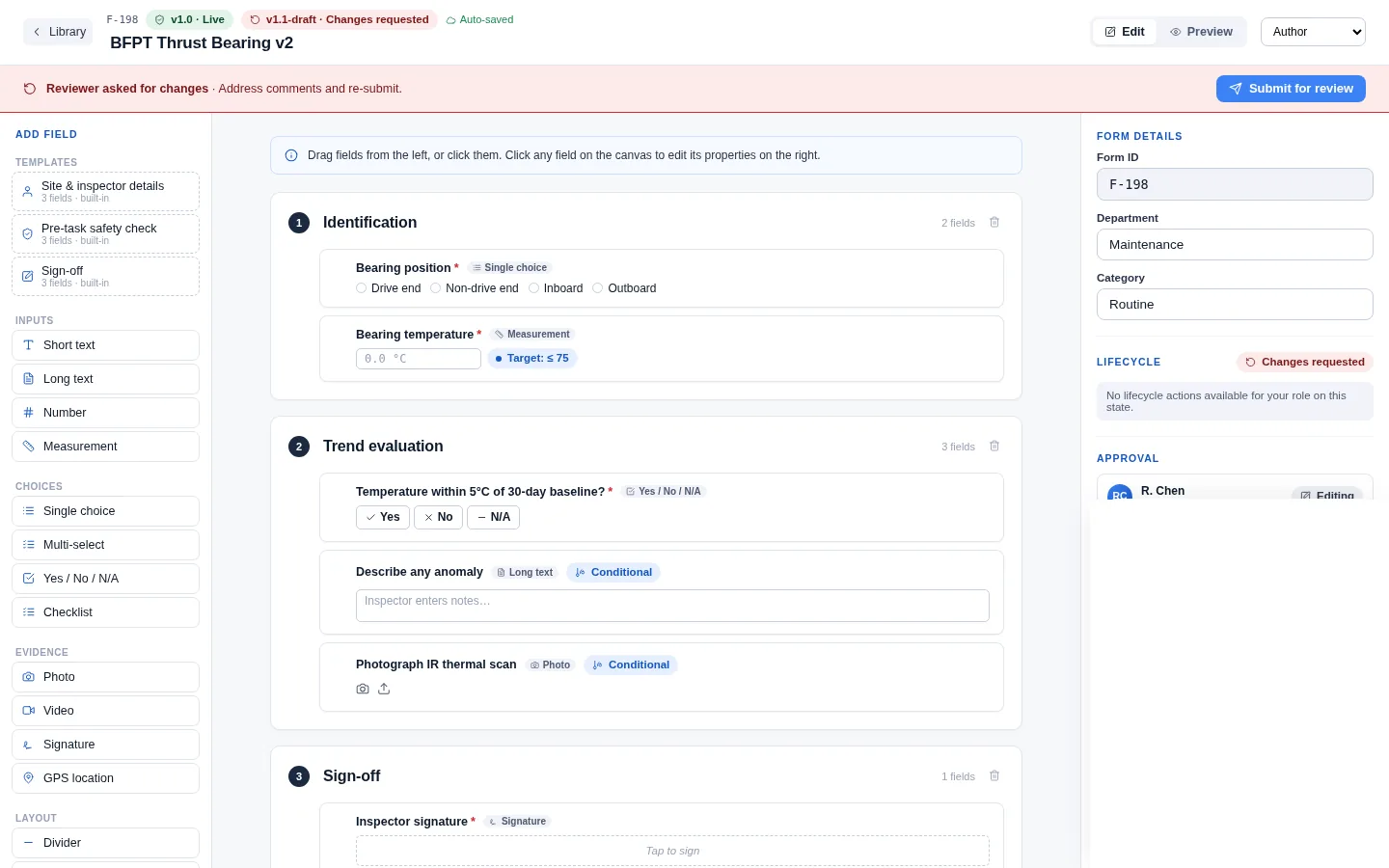
Yes. QMS has a form upload function that scans PDF forms and replicates the content in the no code form builder. It's a great way to save a lot of manual typing.
Q4Can I stop an inspection part way through?
Yes. Any inspections taken for action can be completed and uploaded. The percentage complete will be visible and that inspection will be available for any authorised user (or you) to take and complete.
Q5What if I really need a paper copy?
Yes. We don't like paper but we do acknowledge it may be needed. Every form or inspection (blank, partial or completed) can be exported as a watermarked PDF and printed.
Q6What integrations does QMS have?
What integration do you need? QMS can be integrated into any Enterprise Asset Management (EAM). If there is an API, there is a path to integration.
Let's get rid of paper.
Touch base and we show how QMS can streamline in field data collection.